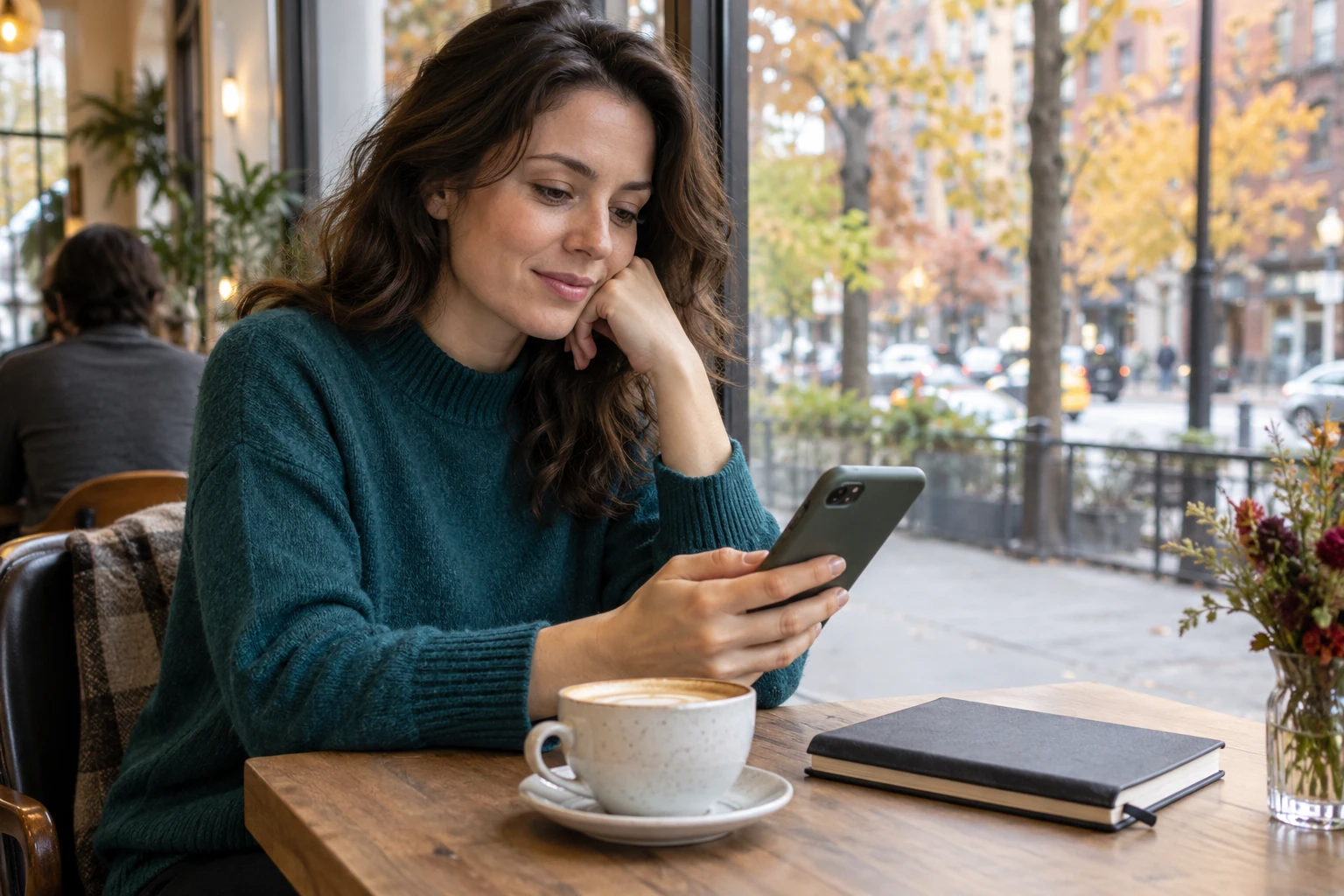
A phone is private in your hand, but its sound, light, camera, and pull on your attention affect everyone nearby. These ten rules help you use it considerately.
Our phones hold directions, tickets, menus, messages, cameras, work, and emergency contacts. Using one in public is often necessary. The manner question is less about whether you take out your phone and more about what your use asks other people to absorb.
Can they hear your video? Are they waiting while you scroll? Might they appear in a photo they did not agree to share? Does a glowing screen interrupt a dark room? Are you discussing private information within earshot of strangers?
Cell phone etiquette protects four shared resources: sound, space, attention, and privacy. The right choice changes with the setting, so use these ten rules as a practical guide for restaurants, transport, waiting rooms, homes, meetings, and events.
Begin with the shared-space test
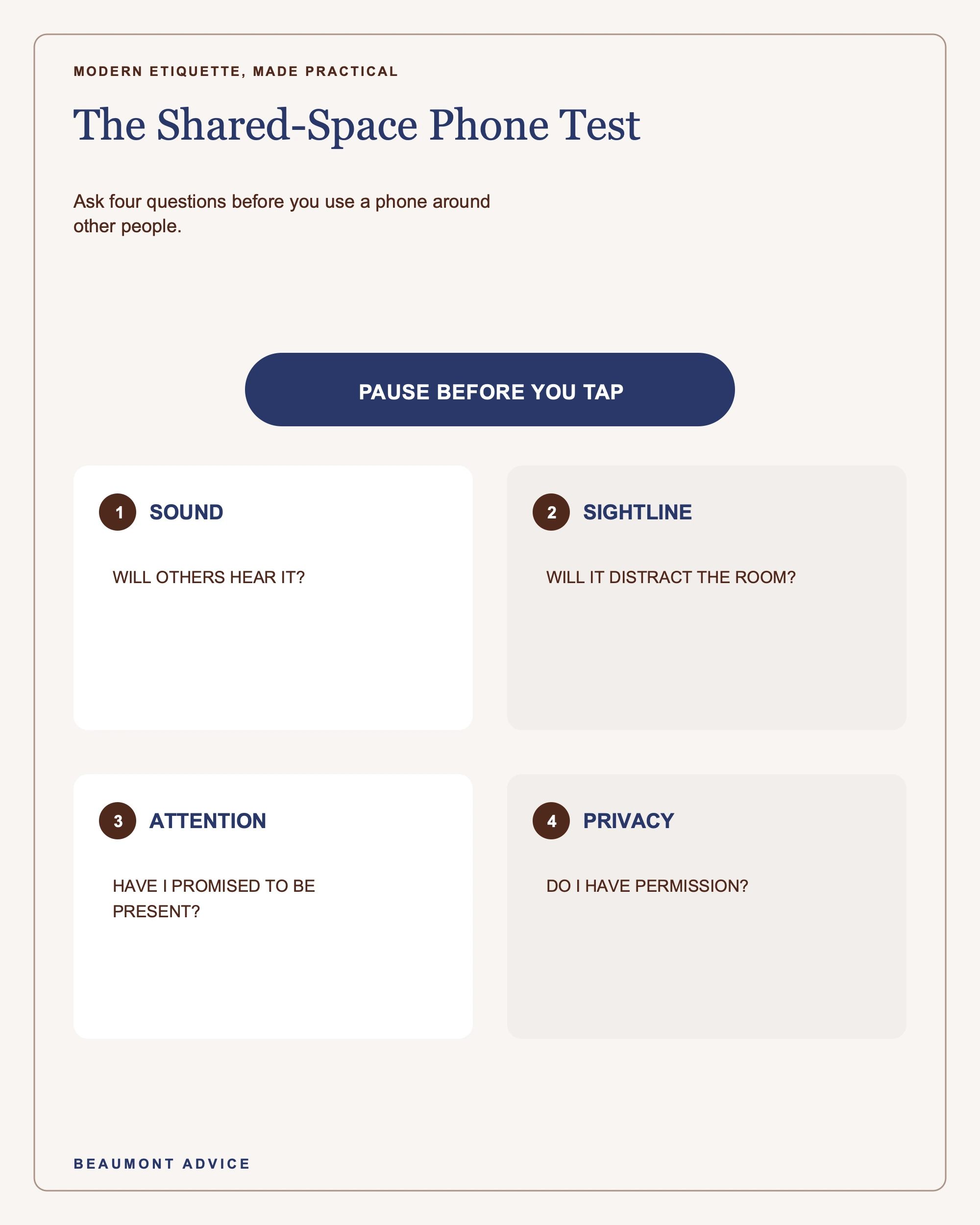
Before using your phone, take one second to read the room. Ask:
- Will anyone else hear this?
- Will the screen or camera enter someone else’s sightline?
- Am I expected to be present with another person?
- Could my call, message, or photo expose private information?
- Does this venue have a stated rule?
A café at midday, a crowded train, a quiet waiting room, and a friend’s dinner table all ask for different behavior. Posted rules come first. Amtrak, for example, requires headphones for sound-emitting devices throughout its trains and does not allow phone calls in designated Quiet Cars. Other venues may restrict photography, ringing devices, or recording.
When no rule is posted, choose the option that places the smallest demand on people around you. Usually that means silent mode, headphones, a short interaction, and a private place for any conversation that requires detail.
Rules 1 to 3: manage sound before it manages the room
1. Silence alerts before you enter a quiet setting
Use silent mode in meetings, performances, places of worship, classes, medical waiting areas, and intimate meals. Vibration can also be loud on a hard table, so keep the phone in a pocket or bag when possible.
If you are expecting an urgent call, tell the relevant person in advance:
“I’m waiting for a call from my father’s care team. I’ll keep my phone silent and step outside if it comes.”
That brief explanation prevents the device from looking like casual distraction.
2. Use headphones for every form of personal audio
Videos, games, voice notes, music, and speakerphone calls should stay private in shared places. Keep the volume low enough that sound does not leak through the headphones. If a child is using a device, check the volume yourself rather than relying on the child to notice how far it carries.
Headphones also create a responsibility. Keep enough awareness to hear safety announcements, staff directions, or a person who needs to pass.
3. Move calls away from captive listeners
People in a lift, queue, train carriage, salon, waiting room, or open office cannot easily leave your conversation. If the call can wait, send a message:
“I’m in a shared space. May I call you at 3:30?”
If it cannot wait, move to a lobby, corridor, outdoor area, or another permitted place. Use a moderate voice and avoid names, account details, medical information, or workplace matters that should stay private.

Rules 4 to 6: protect the attention you have agreed to give
4. Put the phone away when someone has your company
At a meal, visit, date, or one-to-one conversation, a phone placed on the table can divide attention even when it stays dark. Keep it away unless it serves a shared purpose, such as showing a photograph, checking directions, or confirming a booking.
If you need to look something up, include the other person:
“Would you mind if I check the train time? I want to be sure I do not miss the last one.”
State the purpose, complete the task, and return the phone to its place.
5. Do not make another person wait through casual scrolling
There is a difference between answering an urgent message and drifting into a feed. If someone is speaking, serving you, checking you in, or waiting to begin, finish the human exchange first.
At a counter, have your ticket, payment, or confirmation ready before your turn. If the information is on your phone, open it in advance. This keeps the line moving and lets you greet the person helping you.
6. Explain necessary phone use at work
Phones may hold an agenda, authentication code, accessibility tool, calendar, or note-taking app. A colleague cannot always tell productive use from unrelated messaging. A short explanation removes the ambiguity:
“I’m opening the budget notes on my phone.”
In a meeting, follow the team’s device practice. If you are leading, state it clearly: “Please keep laptops open for the document, and let us pause email until the break.” A shared standard is easier to follow than silent guesswork.

Rules 7 and 8: treat cameras and posting as requests for permission
7. Ask before photographing or recording people
A person may have personal, professional, cultural, or safety reasons for staying out of a photograph. Ask before taking a close or identifiable image, especially at private gatherings, around children, and in sensitive settings.
Use plain wording:
“May I take a photo of the table with everyone in it?”
If someone declines, accept the answer without asking for a reason. Reframe the picture, photograph the setting, or put the phone away.
Also notice the background. A stranger, a private document, a home address, a name badge, or a child may enter the frame by accident.
8. Ask again before posting
Permission to take a photograph is not automatically permission to publish it. The Federal Trade Commission’s consumer guidance advises asking someone before sharing photos or videos that include them. A considerate message might read:
“This is a lovely photo. Are you comfortable with me posting it, and would you like to be tagged?”
Honor the answer and any requested crop. For a group picture, one person’s discomfort is enough reason to choose another image. Posting later also gives you time to enjoy the event as it happens.
Rules 9 and 10: handle exceptions without making them everyone’s problem
9. Prepare for urgent contact
Parents, caregivers, on-call professionals, and people managing health or travel matters may need to stay reachable. Preparation makes that need easier to manage. Set a distinct vibration for the important contact, choose a seat near the exit, keep the device silent, and tell the host or chair if needed.
When the call arrives, say:
“Please excuse me. This is the call I mentioned.”
Then step away. You do not owe the whole room a personal explanation.
10. Correct phone noise briefly and move on
Everyone has had an alarm ring at the wrong moment or a video begin at full volume. Silence it promptly, offer a short acknowledgment when appropriate, and return attention to the setting:
“Excuse me. That was mine.”
Avoid a long performance of embarrassment. Quick repair protects the room better than repeated commentary.

If another person’s phone use is affecting you, make a specific request in a calm voice. In a shared waiting area, try: “Would you mind using headphones?” At dinner, try: “Could we put our phones away for the next half hour?” Staff should handle venue rules or repeated disruption when available.
The aim is to solve the immediate problem, rather than judge the person. You may not know whether they are handling an emergency, using an access feature, or waiting for news.
Frequently asked questions
Is it rude to keep a phone on the table at dinner?
It can signal divided attention and may interrupt the meal with light or vibration. Keep it away unless you need it for an agreed reason. If you are waiting for urgent contact, tell your companions and place the phone where you can notice it quietly.
May I take a call in a restaurant?
A very short logistical call may be acceptable in a casual setting, but stepping outside is usually kinder. In a quiet or formal restaurant, excuse yourself before answering. Never use speakerphone at the table.
What should I do if someone keeps checking their phone while I speak?
Pause and make a direct, friendly request: “Is now still a good time to talk?” or “Could we put our phones away while we finish this?” The question gives them a chance to explain an urgent issue or reset their attention.
Are voice notes acceptable in public?
Listen through headphones. Record them only where your voice and the message content will not disturb others or expose private information. A text may be better when you cannot move to a suitable place.
Good phone manners are a form of awareness. Reduce sound, keep your device within your own physical space, give people the attention you promised, and seek permission before turning another person into content. A few seconds of thought can make technology feel far less intrusive.
Build habits that protect attention and connection
Society Savant offers guided practice for conversation, hosting, invitations, relationships, and a more intentional social life. Explore Society Savant.